
This is a guide register as a Pygmy Goat Breeder.
This is also available in video format.
Select the button or the top bar menu item.

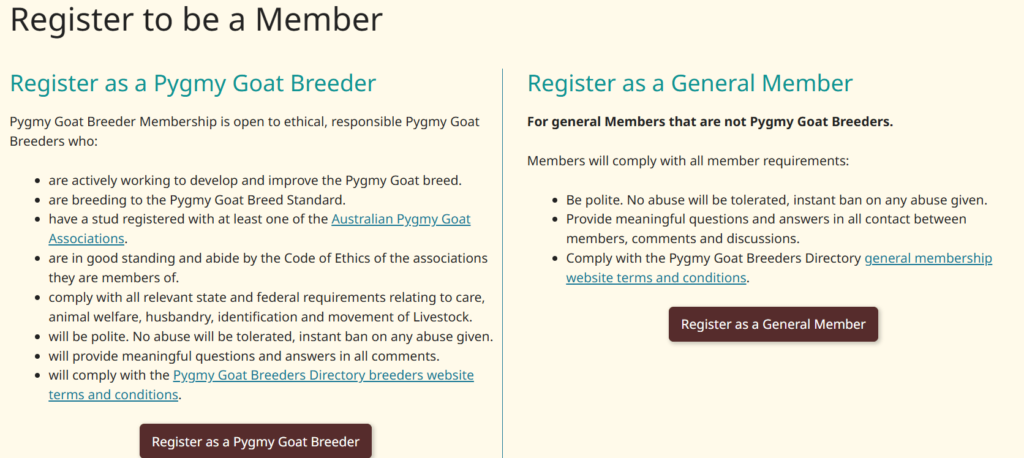
Choose the Register as a Pygmy Goat Breeder
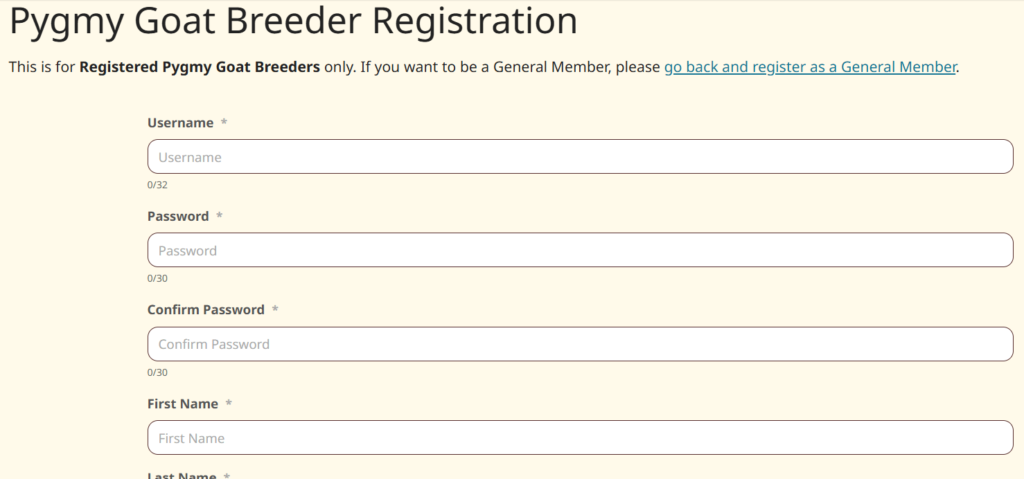
The Register form will open. Begin filling in the form
Ensure your password is at least 8 characters long and unique.
Continue adding your stud information
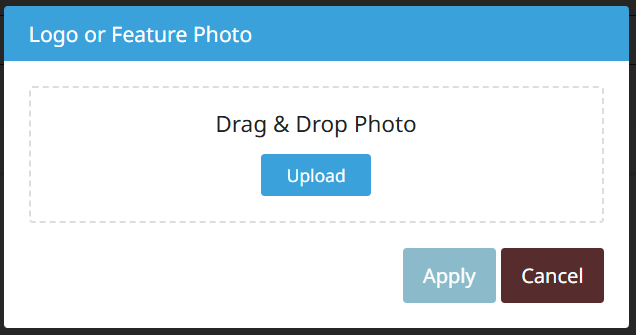
Adding Profile Photo, select Upload

Select Upload and then Apply.
Your image has to be less than 2MB in file size.
If the image you want to use is too large, optimise and reduce the file size on TinyPNG. Then download the smaller file size to your computer or other device and select that as your photo. Or use a different image.
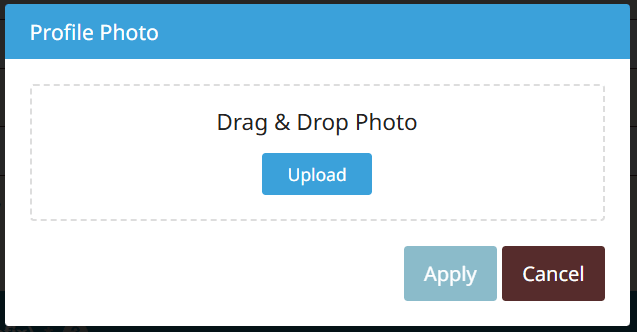
Your file is uploaded. You can then use the image crop feature to select the area you want this image cropped to. Once done select Apply.
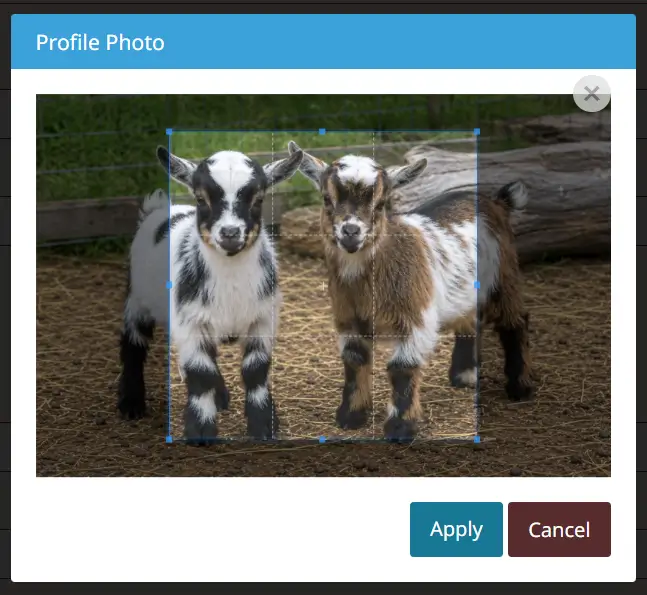
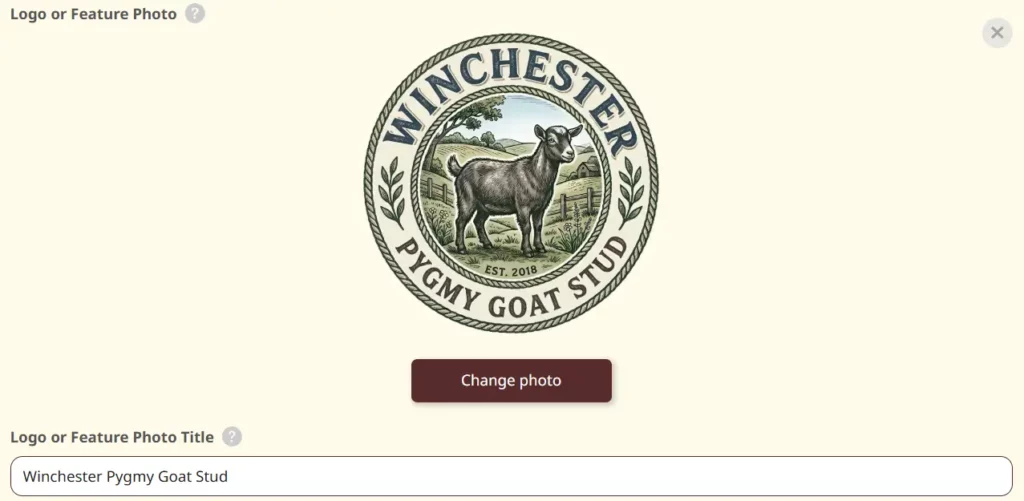
As can be seen here the final cropped image showing what was selected. If you want to change or use a different image, select Change Photo and upload the image.
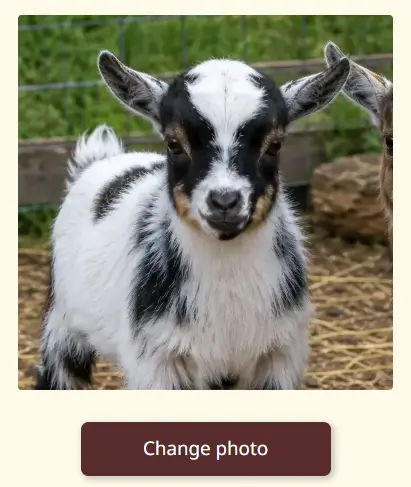
Continue adding your information.
Your Email address and Phone number are not shown on your profile until a real person clicks on the relevant button. This is to reduce the risk of getting spam calls and emails.

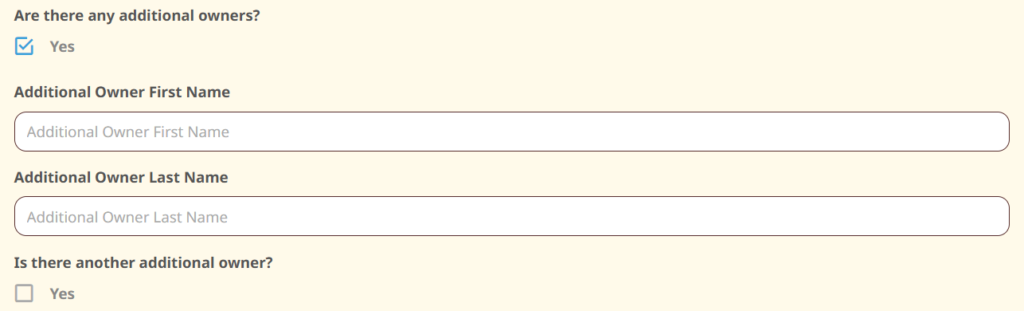
If your Stud has additional owners that you want displayed on your profile, select the Are there any additional owners checkbox to display fields to enter their details.
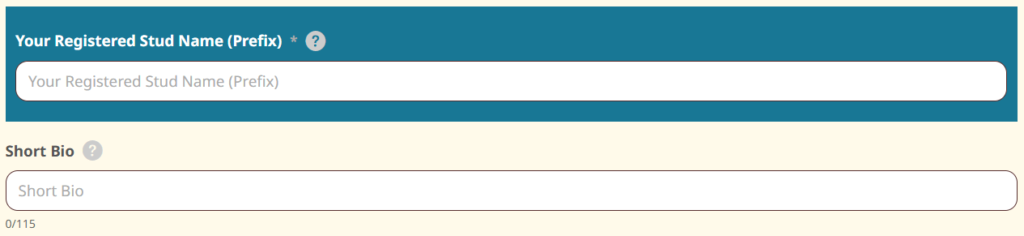
Please enter your registered stud name used in 1 or more breeder associations. Please only add your registered prefix, e.g. Winchester instead of Winchester Pygmy Goats.
For the Short bio add something about your stud up to 115 characters long, something to entice a visitor to click and view your profile.
Now add a feature photo of one of your goats, yourself or both. You can also use other images, e.g. your logo. Select upload.

To upload a photo select upload again and locate a photo or any other image to use from your computer or other device and then Apply, wait for it to upload.
Your image will be displayed. Under that please enter a short descriptive title for the image.
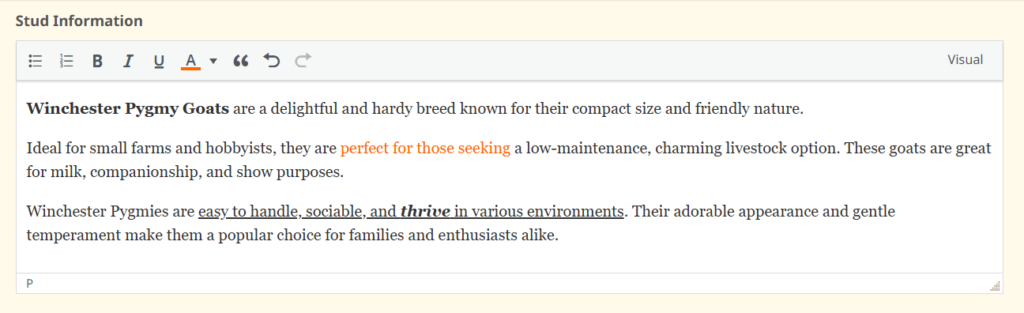
The Stud Information field is where you can add content about your stud up to 5000 characters.
You can format your information with paragraphs and several styles using the toolbar provided, e.g bold, text colour and more.
Now add your registered livestock Property Identification Code (PIC).

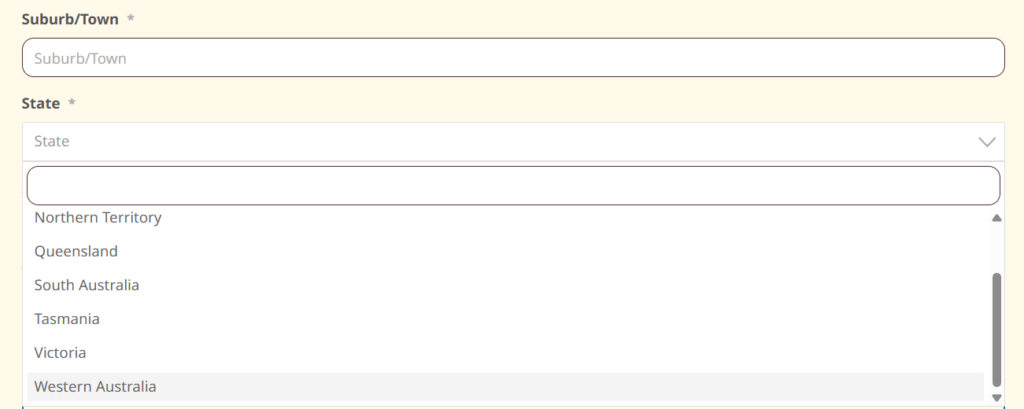
Now enter your Suburb or Town name and then from the State dropdown select the state your stud resides in.
You can select to have your stud on the Breeders Map or not here. This is limited to your suburb/town and state you have entered above.

Select the Association(s) you are a member of and then enter your membership number. This is to confirm you are a current member of an association.
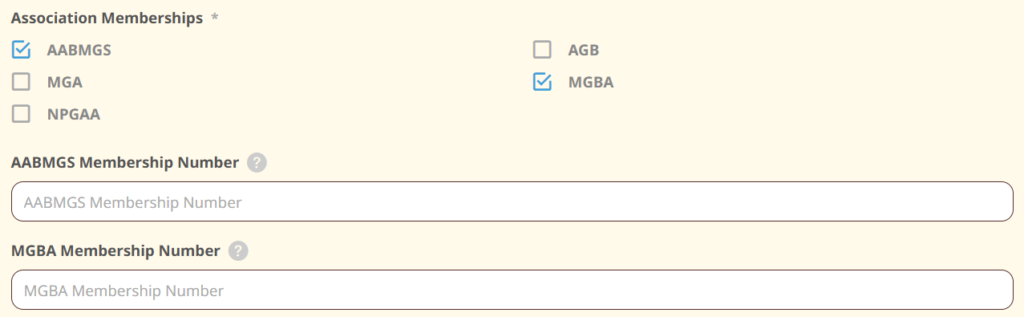
Finally confirm that you agree to the Breeders Membership Terms and Conditions on the use of the Pygmy Goat Breeders Australia website and have read and understand the Pygmy Goat Breeders Australia Privacy Policy.
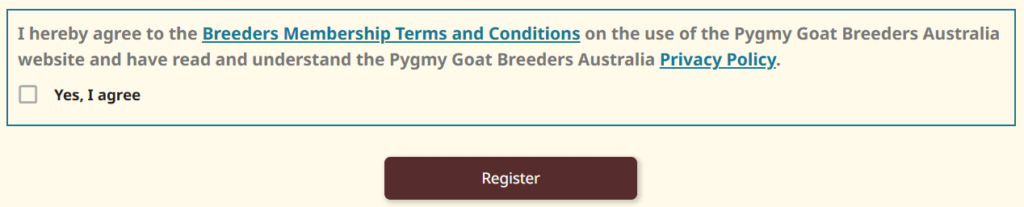
Select Register, a confirmation message will appear, or any errors for you to go back and fix and then select the button again after those errors are fixed.
Allow up to 2 days for your Stud to be approved as we manually check the details of all registrations.
You will be notified when your stud has been approved. After that you can go and view your profile and edit it further like adding more photos and to update any information you would like to do.
Approval also allows you to list any Pygmy Goats for Sale and use the website forums.
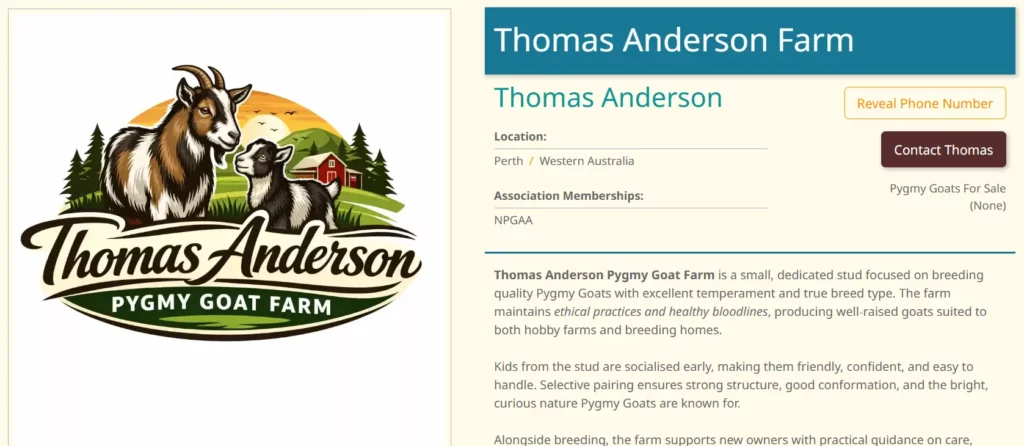
Once approved your listing will look something like this.
If you have any questions with any information above or just have a question that is not answered in our FAQ, please use our contact form.